

For solo storytellers
Turn a script or web novel into a visual shot plan without managing a different tool for every production stage.
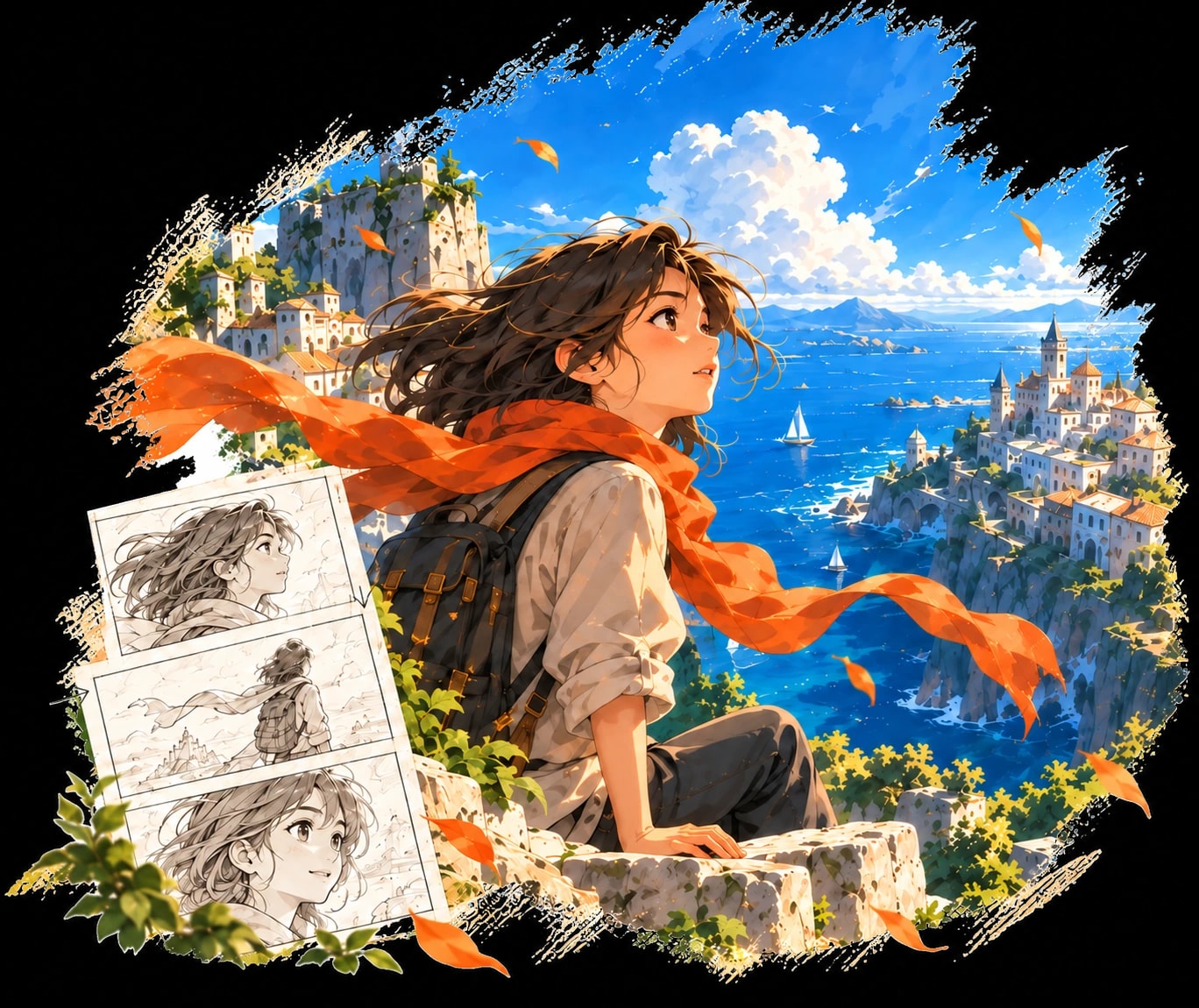
Keep the script, visual references, shots, and approved outputs connected from the first draft through final animation.
Turn a script or web novel into a visual shot plan without managing a different tool for every production stage.
Review reusable characters, scenes, and shot versions in a shared project structure built for consistent episodes.
Test framing, pacing, dialogue, and motion before committing time and budget to the final production pass.
One project keeps your shot list, character references, storyboards, voice, generation history, and export decisions in context.
How it works
Six production stages share the same script, characters, scenes, and approved outputs.
Write or paste a script, or adapt a story or web novel into one. AniKuku splits it into scenes and shots and lists the characters, locations, and props each shot needs.
Generate a reference image for every character, location, and prop, add looks such as outfits, or upload your own art. Shots link to these assets, so the same face and set show up every time.
Shots are assembled into clips. Generate a storyboard frame for each clip, approve it, then turn it into video. Every attempt is kept as a version you can switch back to.
Give each character a voice and generate dialogue and narration line by line. Redo a single line without touching the rest.
Arrange clips on a timeline, trim them, add images, text, transitions, and background music, and preview the cut in your browser.
Merge the finished clips into one video, or export an MP4 from the timeline exactly as the preview shows. You can download individual clips at any time.
AniKuku connects story planning, visual consistency, and animation in one workspace, so each stage builds on the work before it.
Break a script into shots, characters, scenes, and props before generating frames. Start with structure instead of disconnected prompts.
Read the production guideReuse character and scene references across shots to reduce face, costume, and style drift throughout an episode.
Explore the workflowCombine storyboards, motion, dialogue, and sound into vertical or widescreen animated stories ready for review and export.
Watch motion comic examplesPaste a script and AniKuku breaks it into shots, characters, storyboards, and animated clips you can review one by one.
